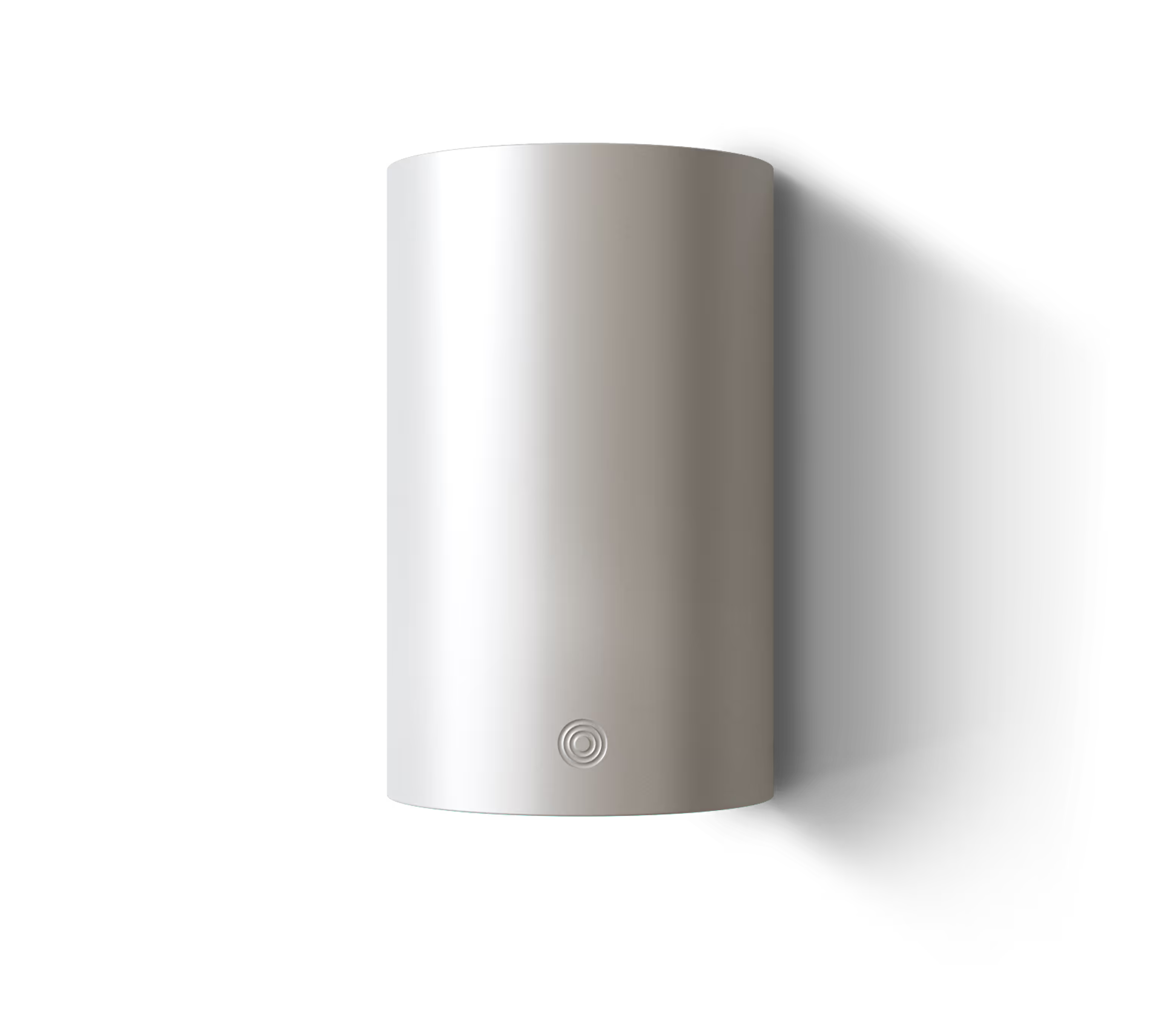
Where in my home should Alva LINK be installed — and what if the router is far away?
Alva LINK mounts near the energy asset it controls — typically in a utility room, technical closet, or garage — not next to your router. The device connects to your asset via a short cable and reaches your router over Wi-Fi.
Why placement follows the asset, not the router: LINK communicates with your heat pump, solar inverter, battery, or EV charger through a wired connection (Ethernet for Modbus TCP/IP, or RS-485 cable for Modbus RTU). That cable is typically 1–3 metres long. LINK needs to be physically close to the asset it controls. The cloud connection — for price forecasts, weather data, and algorithm updates — travels over Wi-Fi, and Wi-Fi is far more flexible about distance than a wired Modbus cable.
What if the utility room is far from the router? This is the most common installation concern, and it's exactly why Alva LINK uses 2.4 GHz Wi-Fi. At 2.4 GHz, signal attenuation through walls and floors is significantly lower than at 5 GHz. In practical terms, LINK can maintain a reliable connection through 2–3 interior walls or one concrete floor. For most European homes, the utility room or garage is within this range of the router.
If your installation location is beyond reliable Wi-Fi range (e.g., a detached garage, a basement separated by thick concrete), the solution is the same as for any Wi-Fi device in a dead zone: a mesh Wi-Fi node, wifi extender or a powerline adapter placed between the router and LINK's location. This is a one-time setup, and the extension benefits every device in that area — not just LINK.
The practical setup
- Identify where your energy asset's communication port is (usually on the front panel or side of the controller unit)
- Mount LINK on the wall nearby — within cable reach of the asset's Modbus or SG-Ready port
- Connect the data cable from LINK to the asset
- Plug the USB-C power cable into LINK and the adapter into the nearest outlet
- Open the Alva app — it discovers LINK via Bluetooth, then you enter your Wi-Fi credentials
Does LINK need to be near the electricity meter? No. This is a common point of confusion because some products (like Tibber Pulse or Homey's Energy Dongle) connect directly to the meter's HAN or P1 port. Alva LINK does not connect to the meter. It connects to the energy asset it controls. If you want whole-home consumption data from the meter, that's handled separately by third-party HAN/P1 readers — small devices that plug into your meter and communicate data back over Wi-Fi. LINK's core optimization works without meter data, though meter data enhances features like load balancing and the savings dashboard.
Signal check: During setup, the Alva app shows Wi-Fi signal strength at LINK's location. If the signal is marginal, the app recommends repositioning or extending your wifi before completing setup — so you know immediately whether the placement works, not after weeks of intermittent drops.
Meet the device that runs your home smarter