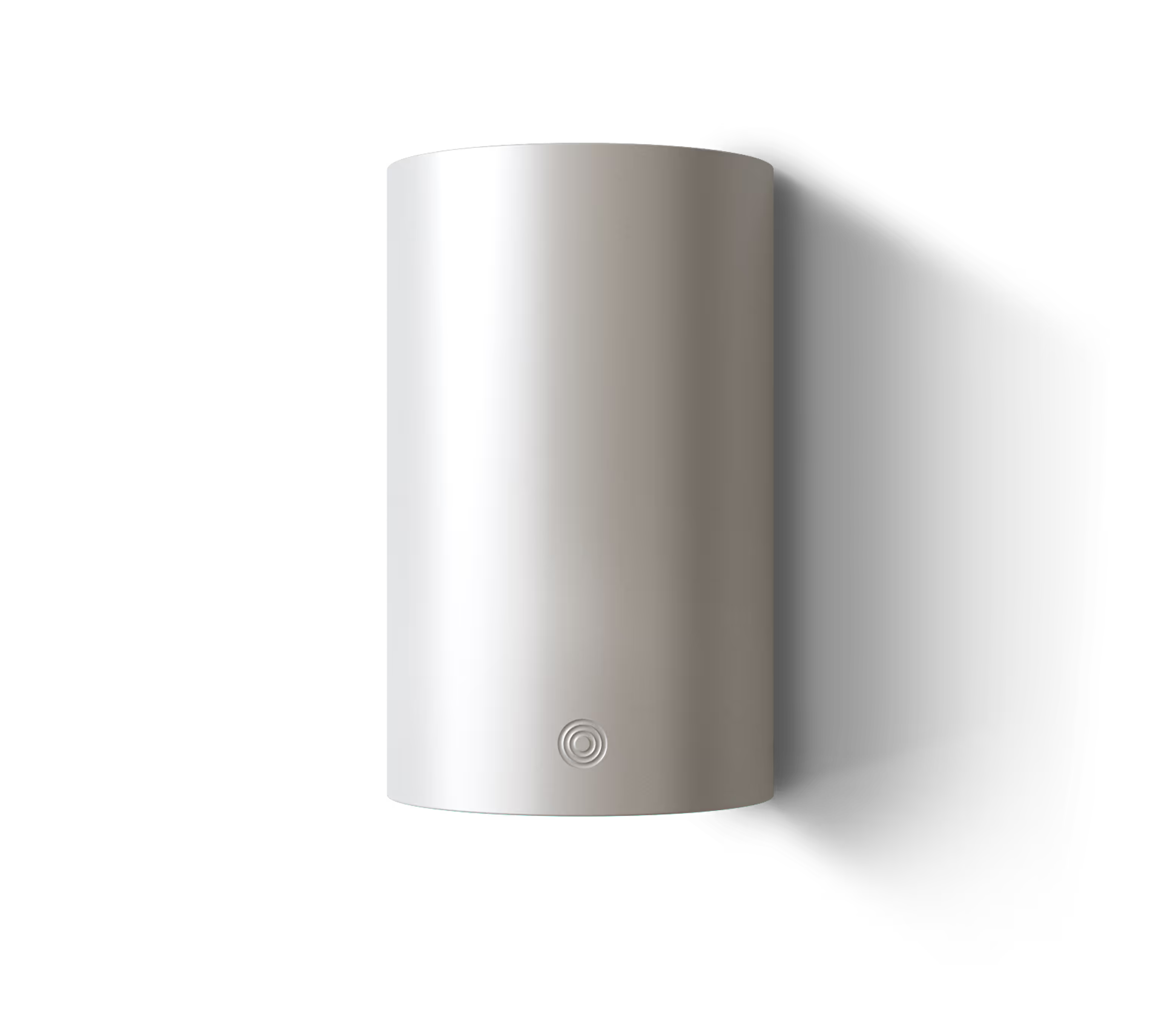
What do the LED colours on Alva LINK mean?
Alva LINK communicates its status through a single, ambient LED glow. The colour language is deliberately minimal — three states cover everything you need to know at a glance.
Turquoise (calm, slow pulse): Everything is operating normally. LINK is connected to your energy asset, connected to Wi-Fi, and the optimization engine is running. This is the state you should see 99% of the time. The pulse is gentle and slow — designed to be visible when you glance at it but not attention-grabbing. Think of it as a heartbeat confirmation: the system is alive and working.
Amber (steady or slow pulse): Something needs attention, but nothing is broken. This typically indicates a non-critical issue — a Wi-Fi reconnection in progress, a pending firmware update, or a temporary loss of cloud connectivity while the device continues operating on cached data. Open the Alva app for details. Amber is an advisory, not an alarm.
Red (only for genuine urgency): Reserved for conditions that require action — hardware communication failure (LINK has lost connection to your energy asset), critical firmware error, or a safety-relevant fuse protection event. Red appears rarely and deliberately. When it does, the Alva app provides a specific diagnostic with recommended steps.
Design principle: Alva LINK is placed in utility spaces — near heat pumps, in technical closets, beside fuse boxes. These are not rooms where you want a bright, flashing LED demanding attention. The LED brightness is calibrated to be visible in a lit room but not intrusive in a dark hallway at 3 AM. There is no sound. If you see turquoise, everything is fine. If you see amber or red, check the app.
During setup: The LED follows a distinct sequence during initial configuration — white while searching for a Bluetooth connection, pulsing blue while connecting to Wi-Fi, and transitioning to turquoise once setup is complete and asset communication is confirmed. The app mirrors these states visually, so you don't need to interpret the LED alone.
Can I disable the LED? Yes. If you prefer no visible light (e.g., LINK is in a bedroom closet), the LED can be turned off entirely in the Alva app settings. The device continues to function identically. Status is always available in the app regardless of LED state.
Meet the device that runs your home smarter