What's the setup process? Walk me through it.
1
min read
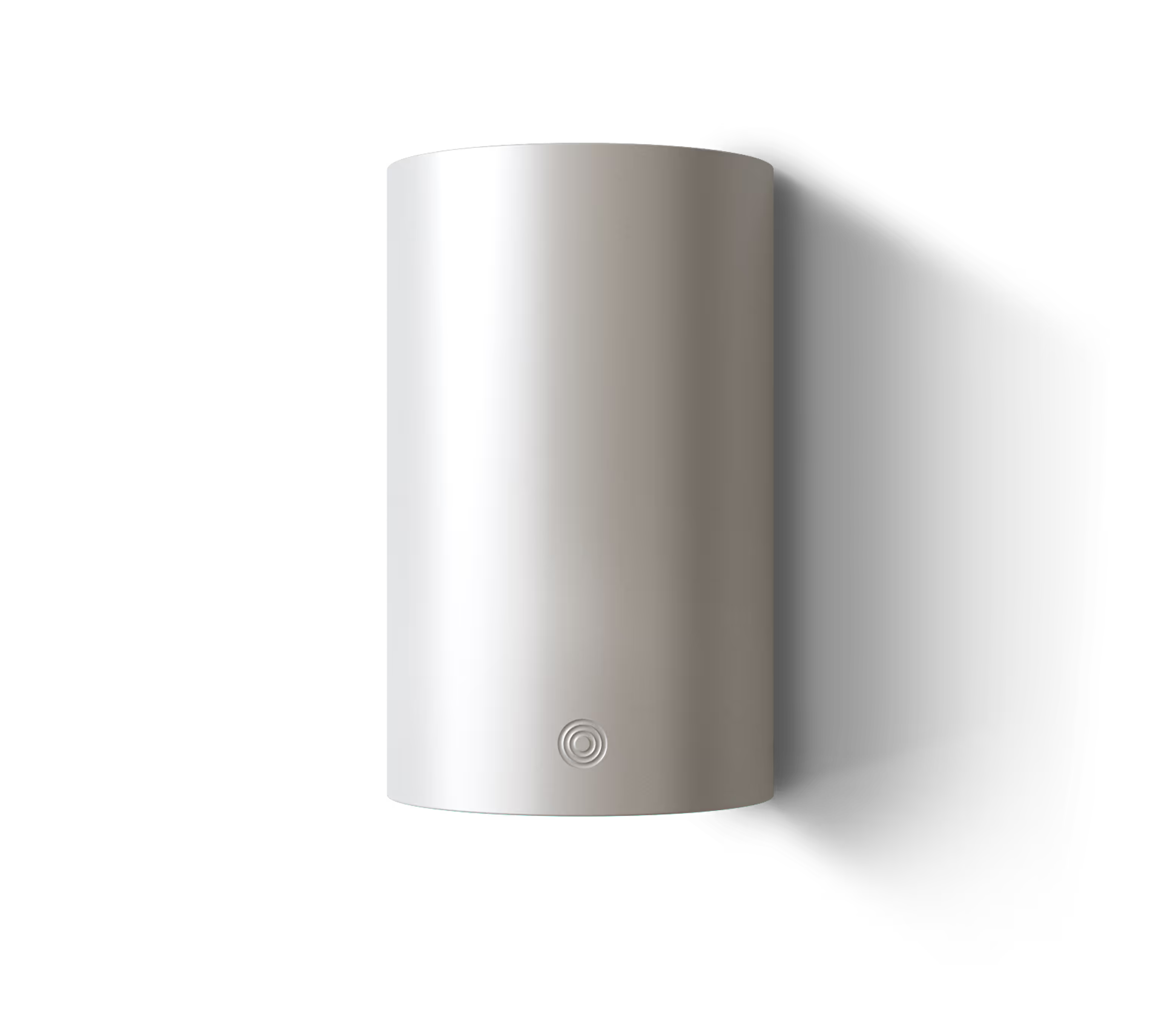
- Unbox. Inside: Alva Link, USB-C cable, mounting bracket, attachment cables and a card that says "Download the Alva app."
- Mount. Put the device on your wall (or not if you want it to be put somewhere else)
- Plug in. USB-C for power.
- Open the app. It finds your Link over Bluetooth. Follow the guided setup.
- Tell it about your home. Where you live (for weather and pricing data), which energy assets you have, and what matters to you: savings, comfort, or sustainability.
- Connect your devices. The app guides you through each one. For most modern heat pumps and inverters, it's selecting the brand, model, and plugging in a cable. (often disconnecting the energy assets power supply temporarily) Link verifies the connection in real time — you'll see confirmation within seconds.
- Set your preferences. Minimum temperature, EV departure time, comfort boundaries. Anything you care about.
- Walk away. The turquoise light glows gently. You're done.
The entire process typically takes 10–15 minutes. The app is there for setup and occasional curiosity, not for daily management.
We’re building something we wish we had
Meet the device that runs your home smarter
Alva Link plugs in, connects to your heating and energy devices, and starts optimizing instantly. No setup, no flows, no tinkering.